

 #
#
Patient Report Flow #
New Patient > ROF Charge > Activation Charge (D.C. Specific) = First care plan.
(Schedule) Re-Report > R1 Charge (D.C. Specific) > R1 RENEW Charge (D.C. Specific) = 2nd Care Plan
(Schedule) Re-Report > R2 Charge (D.C. Specific) > R2 RENEW Charge (D.C. Specific) = 3rd Care Plan
(Schedule) Re-Report > R3 Charge (D.C. Specific) > R2 RENEW Charge (D.C. Specific) = 4th Care Plan
(Schedule) Re-Report > R4 Charge (D.C. Specific) > R4 RENEW Charge (D.C. Specific) = 5th Care Plan
(Schedule) Re-Report > RC,RW,RM Charge (D.C. Specific) > RC,RW,RM RENEW Charge (D.C. Specific) = RC,RW,RM Care Plan
RC, RW, or RM Care Plans Continue…
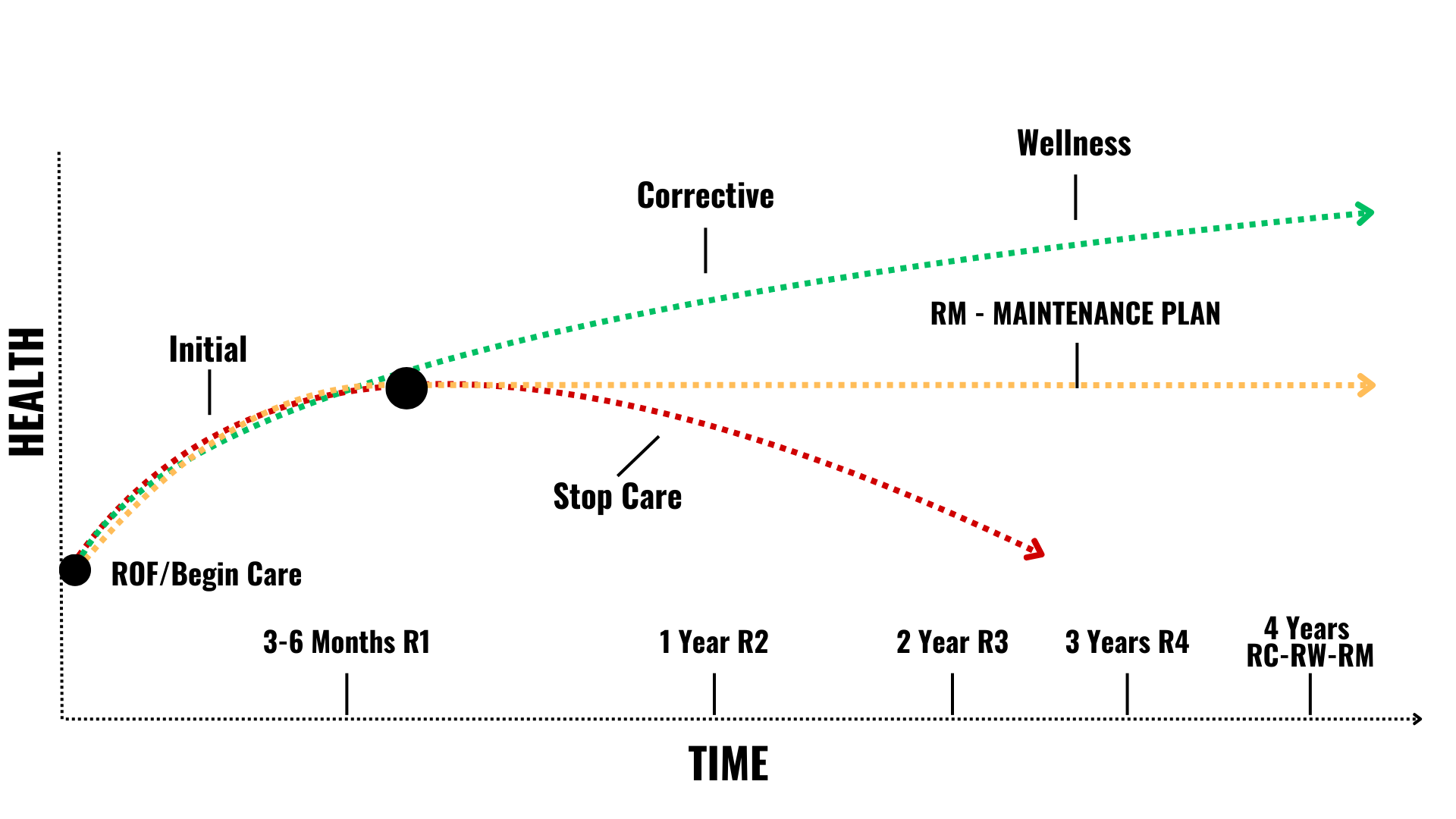
Once the patient completes their R4, they will sign on a Corrective, Wellness, or Maintenance care plan. This continues indefinitely, charges changing at renewal if they change frequency.
- Corrective: 1 time per week
- Wellness: Every other week
- Maintenance: Less frequent than EOW
- Scheduling will not change, patients will receive a “Re-Report (New Game Plan)” appointment purpose. The change is in the charges in their ledger.
- The charges in the ledger will follow the R1-R4 flow until the patient begins their fifth care plan.
- R1 begins at the first Re-Report (At the end of their first care plan) followed by R2 at the end of that care plan, and then R3 and so on…
- Report charges are D.C. specific, listed like: Code: 99241-HR1 Description: Hill R1.
- Renewal charges are D.C. specific, listed like: Code: RENEW-HR1 Description: Hill Renew R1


